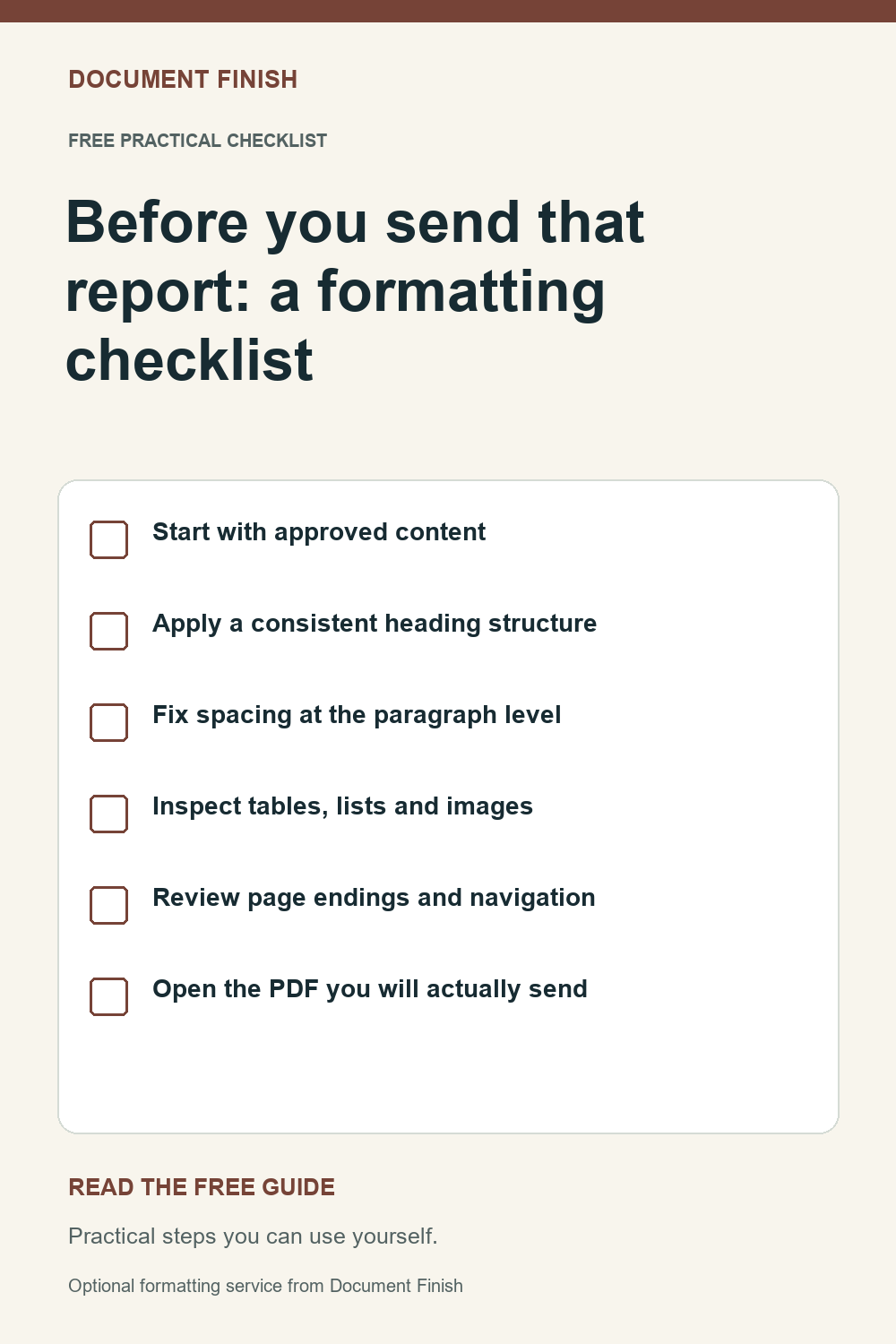
1. Start with approved content
Confirm which version is final and which wording must remain unchanged. Keep unresolved comments separate from approved text. If a number, citation or statement needs verification, flag it for its owner before you format; a polished page does not make a claim accurate.
- Save a copy of the original.
- Confirm page size and required branding.
- Resolve missing text instead of filling it with assumptions.
2. Apply a consistent heading structure
Use built-in heading styles in a sensible order rather than manually making each heading bold. Keep the same style for equivalent sections. Review the navigation pane to see whether the document's outline makes sense without reading every paragraph.
- Use one title style and a small set of heading levels.
- Avoid skipping levels simply to get a smaller font.
- Update any table of contents after the layout is settled.
3. Fix spacing at the paragraph level
Use paragraph spacing and indentation settings consistently. Repeated blank lines and strings of spaces can shift unexpectedly when the file opens elsewhere. Show formatting marks while checking awkward gaps, then use proper page breaks when a new section should begin on a fresh page.
4. Inspect tables, lists and images
Keep table headings clear and make sure narrow columns have not hidden text. Check repeated header rows in long tables and review rows split across pages. Use actual numbered or bulleted lists, then confirm numbering still matches any references in the text.
- Check images for distortion and readability.
- Confirm supplied captions and source references remain attached.
- Look for text extending beyond the page margins.
5. Review page endings and navigation
Look at every page, including the final one. Keep headings with the paragraph that follows, inspect isolated lines and check headers, footers and page numbers. Test links and cross-references. Compare names, dates, totals and required wording with the approved original after formatting.
6. Open the PDF you will actually send
Export the finished document and inspect the exported file independently. Confirm that symbols, fonts, links and page breaks survived conversion. Review a sample print at actual size if the document is intended for paper. Give the editable file and PDF matching, dated names so the recipient can identify the final versions.
- Check for blank or clipped pages.
- Review visible comments and tracked changes before sharing.
- Keep the editable master for future revisions.